Avada Lightbox Gallery
$30.00




Avada Lightbox Gallery Demo
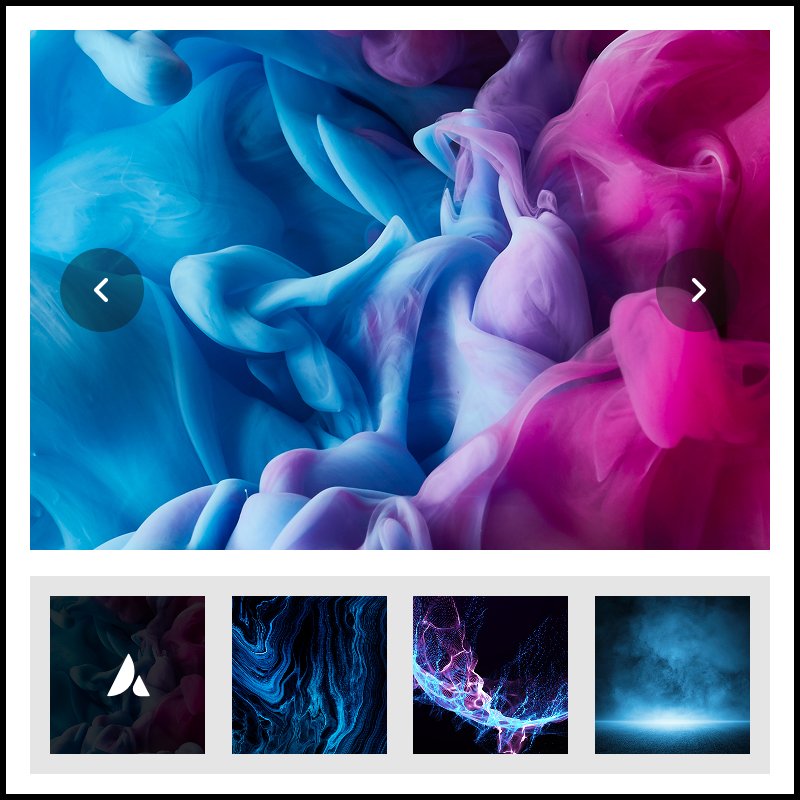
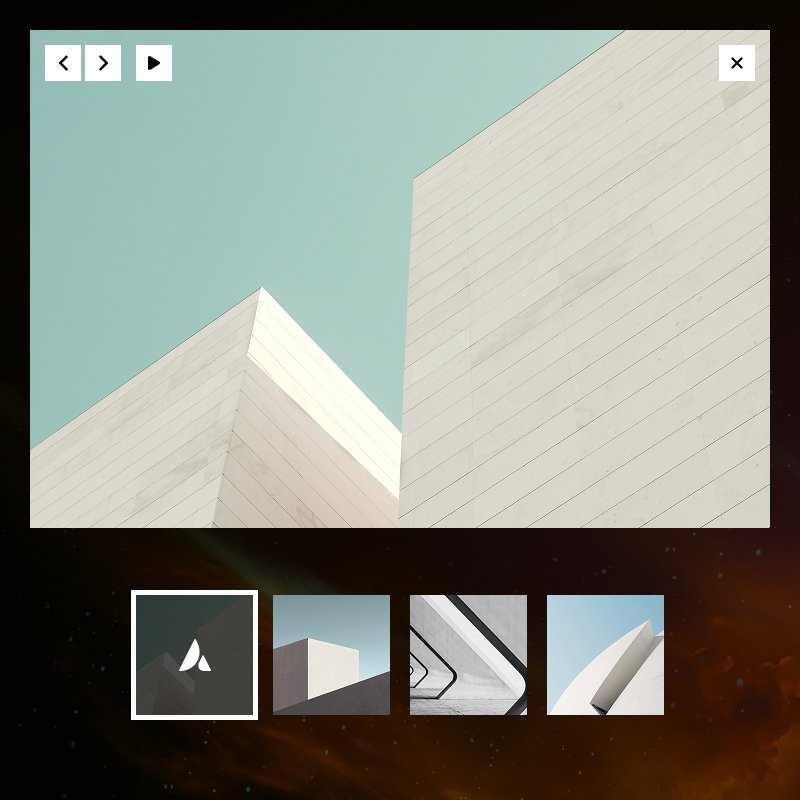
This isn’t just another gallery plugin. It is a specialized tool developed for designers who value clean aesthetics, performance, and user experience. By separating the “Trigger” from the “Gallery Content,” you gain complete control over your page’s visual hierarchy. Click on the left side image to open a Lightbox Gallery.
Transform Your Avada Portfolios with Professional Trigger-Based Galleries
Are you tired of the standard “Gallery” look? In high-end web design, less is often more. The Lightbox Gallery for Avada Builder plugin introduces a sophisticated Parent-Child element structure to your Avada Builder toolkit, allowing you to create minimalist project showcases that pack a heavy visual punch.
Instead of forcing your users to scroll past a block of 20 thumbnails, you can now present one beautifully curated image that, when clicked, opens Avada’s native iLightbox system to reveal the full project story.
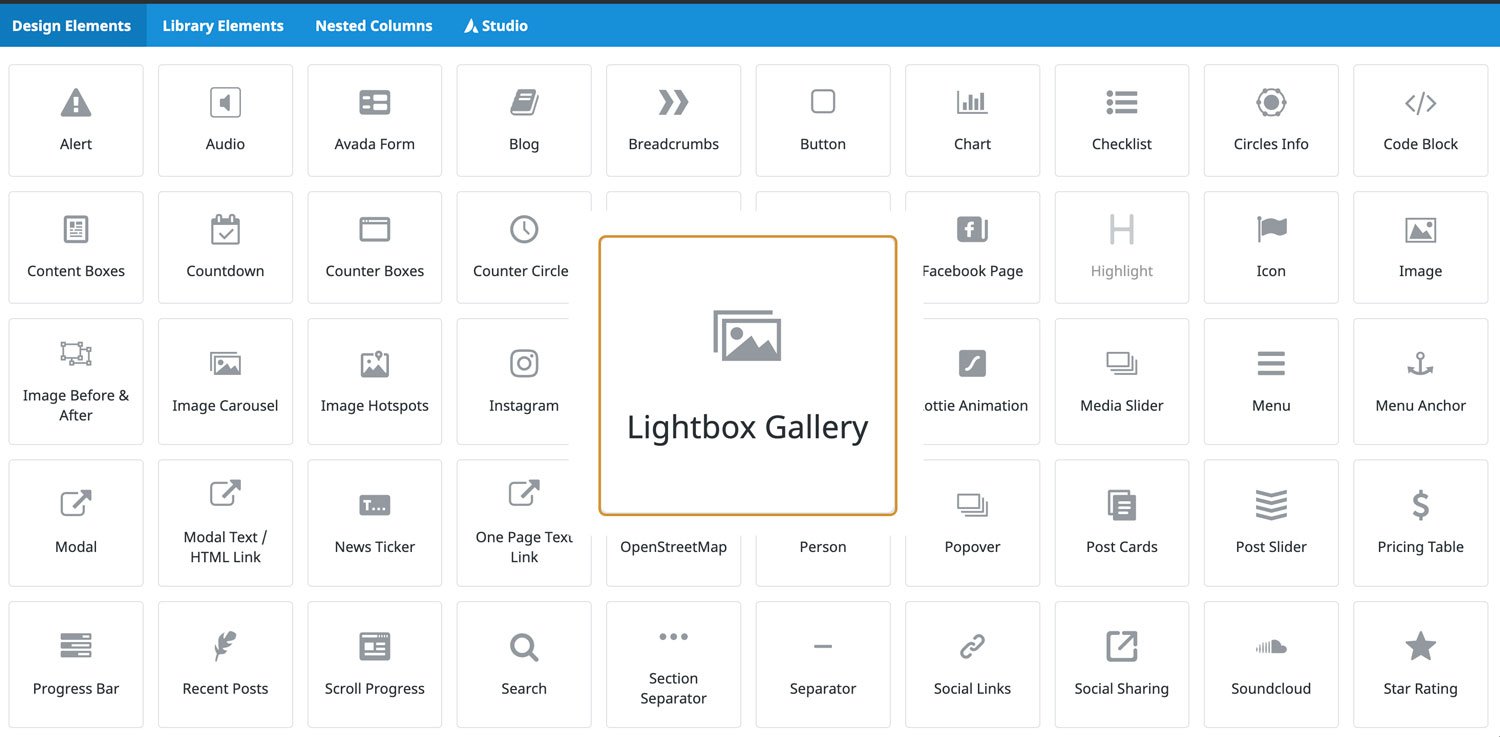
Why Choose Lightbox Gallery for Avada Builder?
This isn’t just another gallery plugin. It is a specialized tool developed for designers who value clean aesthetics, performance, and user experience. By separating the Trigger from the Gallery Content, you gain complete control over your page’s visual hierarchy.
Core Features
Parent-Child Element Workflow
Built on the same architecture as Avada’s Gallery Element. This add-0n uses a Parent element for the main trigger and Child elements for each gallery item. This ensures total compatibility with Avada Builder.
High-Speed Bulk Uploading
Don’t waste time adding images one by one. Our Bulk Image Upload feature allows you to select multiple images from your Media Library, automatically generating all child gallery items instantly.
Pixel-Perfect Design Tab
We’ve developed the most essential styling options for the main image so you can maintain design consistency with the Image Element of Avada Builder.
Professional Hover Effects
Choose from three performance-optimized hover animations that make your projects feel interactive.